Compress to ~250KB
Select an image, it will be resized + compressed to ~250KB.
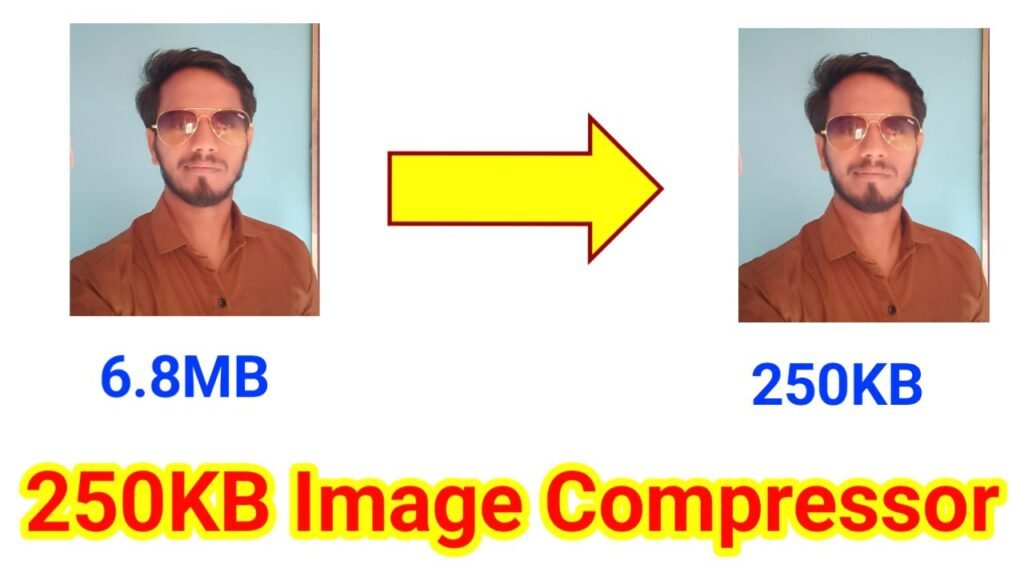
250KB Image Compressor In today’s digital world, images play a vital role in websites, blogs, social media, and marketing. However, large image files can slow down websites, increase loading times, and reduce user experience. This is where the 250KB Image Compressor Tool comes into play. This online tool is specially designed to help you compress any image to approximately 250KB, maintaining quality while reducing file size.
The 250KB Image Compressor Tool is an easy-to-use online application that allows users to compress large images into smaller files without compromising visual quality. Unlike traditional methods that reduce image resolution significantly, this tool optimizes both resolution and image quality to ensure your images remain clear and vibrant.
The tool works in a browser, which means no software installation is required. Whether you are using a PC, laptop, or even a mobile device, this tool is compatible and works seamlessly across devices.
The main highlight of this tool is its ability to compress images to a fixed size of 250KB. This ensures that every image you compress stays within the required file size limit, which is ideal for web uploads, social media sharing, and email attachments.
One of the major problems with most online compressors is quality loss. This tool uses smart compression techniques to maintain high-quality visuals while reducing file size. You get clear, vibrant images even after compression.
Large images are automatically resized to optimal dimensions without stretching or distortion. This feature ensures your images retain their original aspect ratio and do not lose their sharpness.
The tool comes with a dynamic progress bar that shows the percentage of compression in real-time. Users can track the compression process visually, making it interactive and user-friendly.
After the compression process is complete, the tool provides an instant download button. Users can quickly save the compressed image in JPEG format without waiting or extra steps.
The tool is designed for everyone, from beginners to professionals. The interface is simple, clean, and intuitive. You just select an image, click compress, and download. There are no complex settings or confusing options.
Using the tool is extremely simple. Here is a step-by-step guide:
Visit the website or open the 250KB Image Compressor Tool in your browser.
Click the “Select Image” button to upload your image. You can choose any image format like JPEG, PNG, or WebP. Once uploaded, a preview of the image will appear on the screen along with its original size.
Click on the “Compress to 250KB” button. The tool will begin compressing your image automatically. The progress bar will show the percentage of compression completed in real-time.
Depending on the image size and dimensions, compression may take a few seconds. The progress bar ensures you know exactly how far the process has gone.
Once compression is complete, the “Download Image” button will appear. Click on it to save your compressed image to your device. The final image will be approximately 250KB in size, optimized for web use.
While there are many online compressors, this tool stands out because:
The 250KB Image Compressor Tool is a must-have for bloggers, website owners, social media marketers, and anyone who frequently works with images. Its combination of fixed-size compression, high quality, real-time progress tracking, and instant download makes it a reliable solution for all image optimization needs.
250KB Image Compressor,250KB Image Compressor,250KB Image Compressor,250KB Image Compressor,250KB Image Compressor