Reduce Photo Size In KB
Compress an image to 20KB, 50KB, 100KB, 200KB, or any other size.
KB
Download Image
Compress an image to 20KB, 50KB, 100KB, 200KB, or any other size.
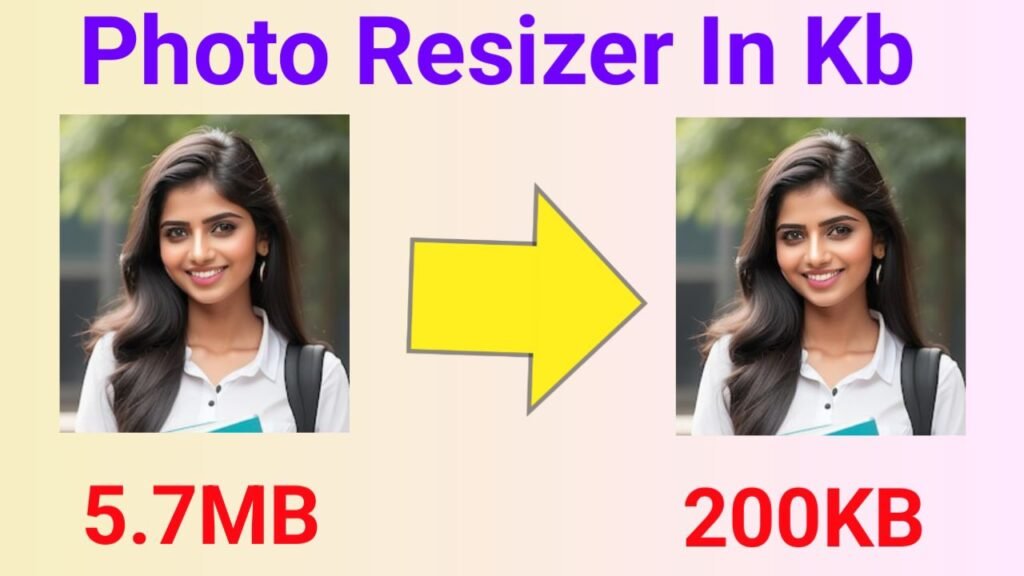
photo resizer in kb ; In today’s digital age, images play a vital role in enhancing the appearance and user engagement of websites, blogs, and social media platforms. However, high-quality images often come with large file sizes, which can significantly slow down your website’s loading time, hurt user experience, and negatively impact your SEO rankings. This is where the “Reduce Image Size in KB” tool comes to the rescue—a simple, efficient web-based solution to compress and optimize your images without compromising quality.
Large image files are one of the common reasons for slow-loading web pages. Slow websites often drive visitors away, increase bounce rates, and lower your chances of ranking well on search engines such as Google. Site speed is a known ranking factor, meaning the faster your website loads, the better it performs in organic search results. Optimizing images by reducing their file size helps your website load faster, reduces server load, saves bandwidth, and enhances overall user experience.
This tool is an easy-to-use online utility designed to compress JPEG images to your desired size in kilobytes (KB). Whether you want your images to be 20KB, 50KB, 100KB, or any other size, this tool can adjust the image quality to meet that target while maintaining visual clarity. Everything happens right in your browser, which means no images are ever uploaded to a server, keeping your data private and secure.
Image compression directly improves SEO by making your site faster and more accessible. Page speed affects Google’s ranking algorithm, and slow sites lose traffic and conversions. Compressed images ensure your content delivers fast and smooth experiences, leading to higher user retention and search visibility.
Furthermore, optimized images reduce bounce rates by preventing users from waiting for large files to load. A lower bounce rate signals to search engines that your site is valuable, encouraging them to rank it higher.
Whether you’re a blogger, e-commerce seller, or web developer, the “Reduce Image Size in KB” tool offers an effortless way to maintain a professional website with fast loading images. It respects user privacy by performing all compression client-side and doesn’t require uploads or sign-ups, making it accessible and convenient for everyone.
By integrating this tool or linking to it from your website, you not only help your visitors optimize their images but also improve your site’s SEO through meaningful, user-centric content and functionality.photo resizer in kb
Optimizing your images with the “Reduce Image Size in KB” tool is a smart and essential step towards running a fast, efficient, and SEO-friendly website. This free tool gives you the power to reduce image sizes precisely without sacrificing quality, resulting in better website performance, improved search rankings, and happier users. Start compressing your images today and experience the difference in speed and usability!
photo resizer in kb.photo resizer in kb,photo resizer in kb,photo resizer in kb,photo resizer in kb