Compress to Exact 800KB
Select any image, it will be compressed to exactly 800KB.
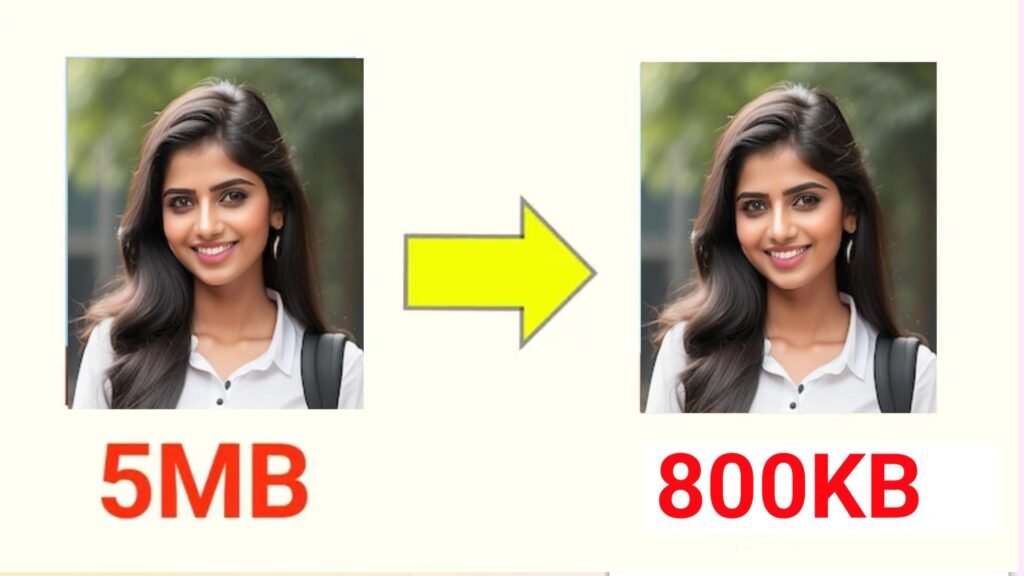
compress Image 800kb ; In a world where digital images dominate everything from social media posts to official online submissions, controlling image file size has become increasingly important. Whether you are uploading photos for job applications, digital forms, or websites, you may often face strict size limits — such as 800KB. That’s where the Fixed 800KB Image Compressor comes in — a simple yet intelligent browser-based tool designed to compress any image to exactly 800KB without noticeable loss of quality.
This lightweight web tool is fast, secure, and entirely offline, ensuring your privacy while maintaining image clarity. Let’s explore how this image compressor works, its key features, and why it’s one of the most practical tools for students, professionals, and web users alike.
The Fixed 800KB Image Compressor is a web-based utility that automatically reduces your image’s file size to precisely 800KB (or 0.8MB). Built using pure HTML, CSS, and JavaScript, the tool operates directly in your browser — no software installation or file upload to external servers is needed.
Unlike most online compressors that estimate or approximate the size reduction, this tool ensures precision. It uses an intelligent algorithm that adjusts the image quality step by step until the output reaches exactly 800KB. The final result is a clean, high-quality compressed image ready for any online use.
Many websites, online forms, and government portals have strict file size restrictions — often around 800KB or 1MB. For example:
Uploading large images can lead to errors, rejections, or delays. The Fixed 800KB Image Compressor simplifies this challenge by ensuring your image is resized automatically to match these limits perfectly, saving you time and effort.
Using the compressor is quick and effortless. Here’s how it works step-by-step:
Most image compression tools only reduce file size by a percentage or let users manually adjust quality settings — which often leads to unpredictable results. You might end up with an image that’s still too large or unnecessarily small and blurry.
The Fixed 800KB Image Compressor removes all that guesswork. It uses an automatic precision-based algorithm that continually checks the output file size and adjusts the compression level until the exact 800KB target is reached. This makes it not only efficient but also ideal for users who need guaranteed compliance with strict file size rules.
No matter the purpose, this tool ensures perfect results every time.
The Fixed 800KB Image Compressor is an essential online utility for anyone dealing with digital images. It’s precise, secure, and effortless — helping users meet file size requirements without losing quality. With its browser-based technology, there’s no need for third-party uploads, making it one of the safest and most convenient compressors available today.
compress Image 800kb,compress Image 800kb,compress Image 800kb,compress Image 800kb,compress Image 800kb,compress Image 800kb,compress Image 800kb