Compress Passport Size Photo To 200KB
Upload or drag & drop any photo – output will be very close to 200KB automatically.
Upload or drag & drop any photo – output will be very close to 200KB automatically.
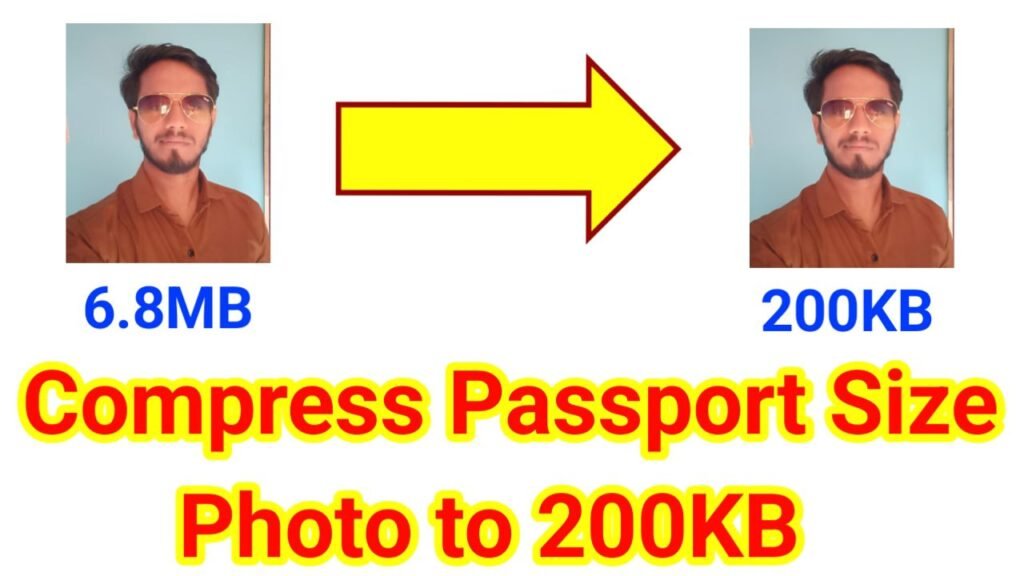
In today’s digital world, uploading documents online has become an important part of almost every application process. Whether you are applying for a government job, college admission, scholarship, or official identification, you are often required to upload your passport size photo in a specific format and size. Many portals set a limit of 200KB or less for photo uploads. If your image size is larger than the requirement, your application may be rejected.
Image To PDF Online Click here
This is where our Passport Size Photo Compressor Tool comes in handy. With this simple online tool, you can compress your passport photo to 200KB without losing quality. It is fast, secure, and completely free to use.
Most official websites and online forms specify clear guidelines for uploading photos. The common requirements include:
If your image exceeds the size limit, you will face issues during submission. Compressing your photo ensures:
Our tool is designed with simplicity and user convenience in mind. Here are the key features:
No technical skills are required. Anyone can compress a photo in just a few seconds.
Upload your photo, and the tool will automatically reduce the size to 200KB or less while maintaining clarity.
The compressed photo retains good resolution, ensuring it looks professional and clear.
Unlike other tools, we don’t add any watermark to your images. You get a clean photo ready for submission.
Whether you are using a mobile, tablet, or computer, this tool works seamlessly in your browser. No installation required.
Your uploaded photos are not stored on our server. They are processed instantly and deleted automatically.
Using our tool is simple and takes less than a minute. Follow these steps:
That’s it! Your photo is now ready for online submission.
✔ Saves time and effort
✔ No need to download heavy photo editing software
✔ Works with multiple browsers (Chrome, Safari, Firefox, Edge)
✔ Provides professional-quality output suitable for government and academic purposes
You will need a compressed passport size photo in many scenarios, such as:
If you are struggling with photo size restrictions while filling online forms, our “Compress Passport Size Photo to 200KB” tool is the perfect solution. It is free, easy to use, and guarantees high-quality results. With just a few clicks, you can resize your passport photo and meet all official requirements without any hassle.
👉 compress your passport size photo to 200KB,Compress Passport Size Photo to 200KB,Compress Passport Size Photo to 200KB.Compress Passport Size Photo to 200KB