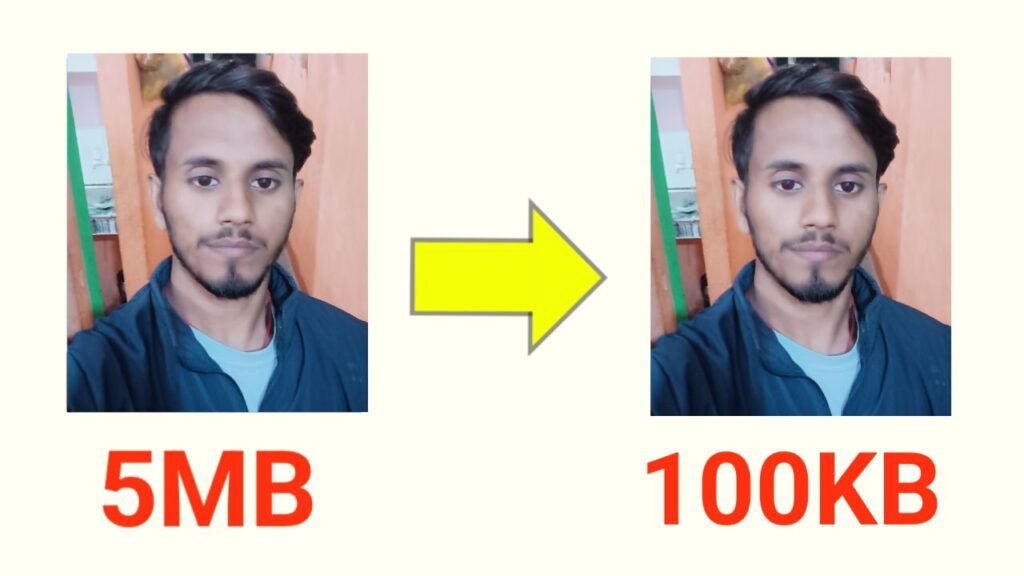
In today’s fast-paced digital world, website speed and user experience play a crucial role. Large image files not only slow down websites but also affect SEO and AdSense performance. To solve this problem, we have introduced a smart and professional tool — MB to KB Image Compressor. This tool automatically compresses any photo from MB size to 100KB or less, directly in your browser, with no server upload required.
Let’s explore its features and understand step by step how to use it.
Key Features
Automatic 100KB Target — Every uploaded image is compressed automatically to around 100KB. No need to set target size manually.
Drag & Drop Support — Users can either click to select an image or simply drag and drop it into the tool.
Real-Time Preview — Instantly see the original size and compressed size of your image after upload.
100% Client-Side Processing — The compression happens completely in your browser, ensuring privacy and security.
Instant Download Button — Once compressed, the image can be downloaded immediately in JPEG format.
Clean and Responsive Design — Professional blue-white theme with a smooth and mobile-friendly interface.
Click on “Select Image” or drag and drop the file into the upload box.
Once uploaded, you will see the original image preview along with its size in KB.
The tool automatically starts compressing the image — no extra steps required.
After processing, you will see the compressed image size (under 100KB).
Click on “Download Image” to save the optimized JPEG file to your device.
You can now use this compressed image on your website, social media, or documents without losing much quality.
Best Practices for Users
If the compressed image looks blurry, try resizing the image dimensions before uploading — smaller dimensions give better results under 100KB.
Since the tool outputs JPEG format, transparent PNGs may lose transparency. Always keep a backup of your original PNG file.
For bulk usage, upload one image at a time. (Batch compression can be added as an advanced feature later.)
Why This Tool is Great for Google AdSense Users
Improves Page Speed — Faster-loading images reduce bounce rates, leading to longer user engagement and more ad impressions.
Privacy-Friendly — Since no image is uploaded to any server, users trust the tool more, which strengthens your site’s credibility.
SEO Advantage — Optimized images mean lighter pages, helping your site rank better on Google search.
AdSense Friendly — A website that loads quickly and offers useful tools attracts more visitors, which directly supports better ad performance.
Conclusion
The MB to KB Image Compressor is a simple, secure, and effective way to reduce image sizes to 100KB without losing much quality. It is built with speed, privacy, and user convenience in mind — perfect for bloggers, students, professionals, and especially website owners who want to improve SEO and AdSense earnings.
With features like auto compression, drag & drop support, instant download, and responsive design, this tool is a must-have for anyone dealing with large images.