Compress to Exact 150KB (Full Image)
Select any image, it will be compressed to exactly 150KB without cropping.
Select any image, it will be compressed to exactly 150KB without cropping.
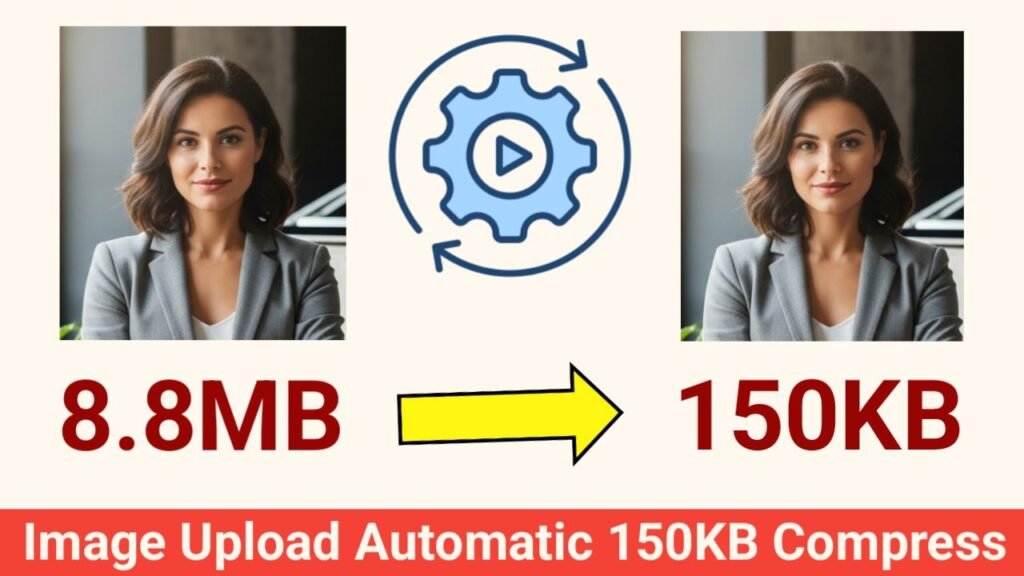
In the age of digital media, images play a crucial role in websites, blogs, and social media. However, high-resolution images often consume large storage space and slow down website loading speed. For bloggers, developers, and students, compressing images without losing quality is essential. Our Image Compressor Tool makes this process effortless by automatically compressing images close to 150KB, maintaining quality while reducing file size significantly.
This free online tool works directly in your browser, requires no installation, and ensures privacy and security. Let’s dive into its key features and why it’s the perfect solution for image optimization.
The tool features a modern, visually appealing design with a gradient blue header and clear typography. Navigation links like Home, Usage Guide, and Contact are easily accessible via the sidebar menu. The layout is responsive, making it simple to use on desktops, tablets, and smartphones.
Uploading images is simple and fast. Users can either:
The upload box highlights when a file is dragged over it, providing a visual cue for easier interaction. This feature saves time, especially for users who work with multiple images frequently.
Once the image is uploaded, the tool instantly displays a preview. This helps users confirm that the correct file is selected before compression. The preview area is visually appealing with rounded corners and neat spacing.
Transparency is a core feature. The tool displays:
This allows users to track the size reduction and ensures that the final image is around 150KB, which is ideal for faster website loading, sharing via email, or online applications.
The tool uses a smart compression engine that automatically optimizes both:
It makes multiple attempts to reach the target size of 150KB, with a tolerance of ±5KB. Unlike ordinary compressors, it ensures minimal quality loss while achieving precise size reduction.
All image processing happens locally in the browser, which means:
This makes it safe for compressing personal or sensitive images.
After compression, a Download Button appears, allowing users to save the optimized image in JPG format. The button uses a gradient design with hover effects, making it attractive and easy to locate.
The tool is fully responsive, which means it works perfectly on smartphones, tablets, and desktops. Users can compress images directly from mobile devices without layout issues, making it convenient for on-the-go users.
This Image Compressor Tool is 100% free, with:
Users can compress images anytime without worrying about restrictions.
By compressing images to 150KB, users can enjoy faster uploads, better performance, and optimized storage without sacrificing quality.
The Image Compressor to 150KB Tool is a must-have for anyone looking to reduce image sizes efficiently. With features like drag & drop uploads, live preview, file size comparison, accurate compression, and one-click download, it offers everything you need in a modern image optimization tool.
Image Compressor to 150KB,Image Compressor to 150KB,Image Compressor to 150KB,Image Compressor to 150KB,Image Compressor to 150KB