Compress to ~50KB
Select an image, it will be resized + compressed to ~50KB.
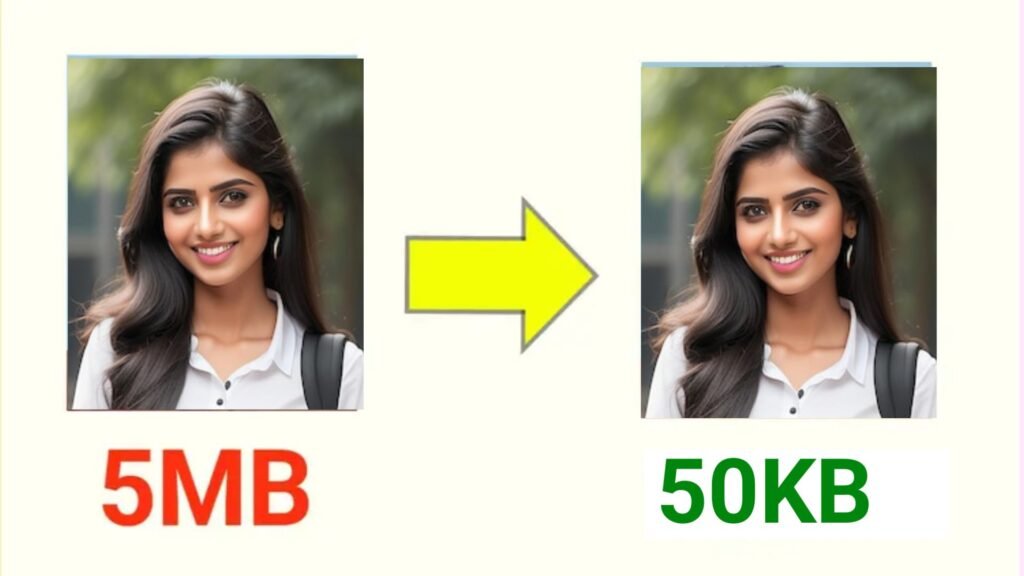
image resize 50kb ; In today’s fast-paced digital world, image size matters. Whether you’re uploading a profile picture for an online form, submitting scanned documents, or sharing images on the web, size restrictions can be frustrating. Many websites, government portals, and online applications only accept files under 50KB. That’s where the Fixed 50KB Image Compressor comes in — a smart, browser-based tool that reduces your image size to exactly 50KB while maintaining the best possible quality.
Simple, secure, and lightning-fast — this tool is the perfect solution for anyone who needs precise image compression with zero hassle.
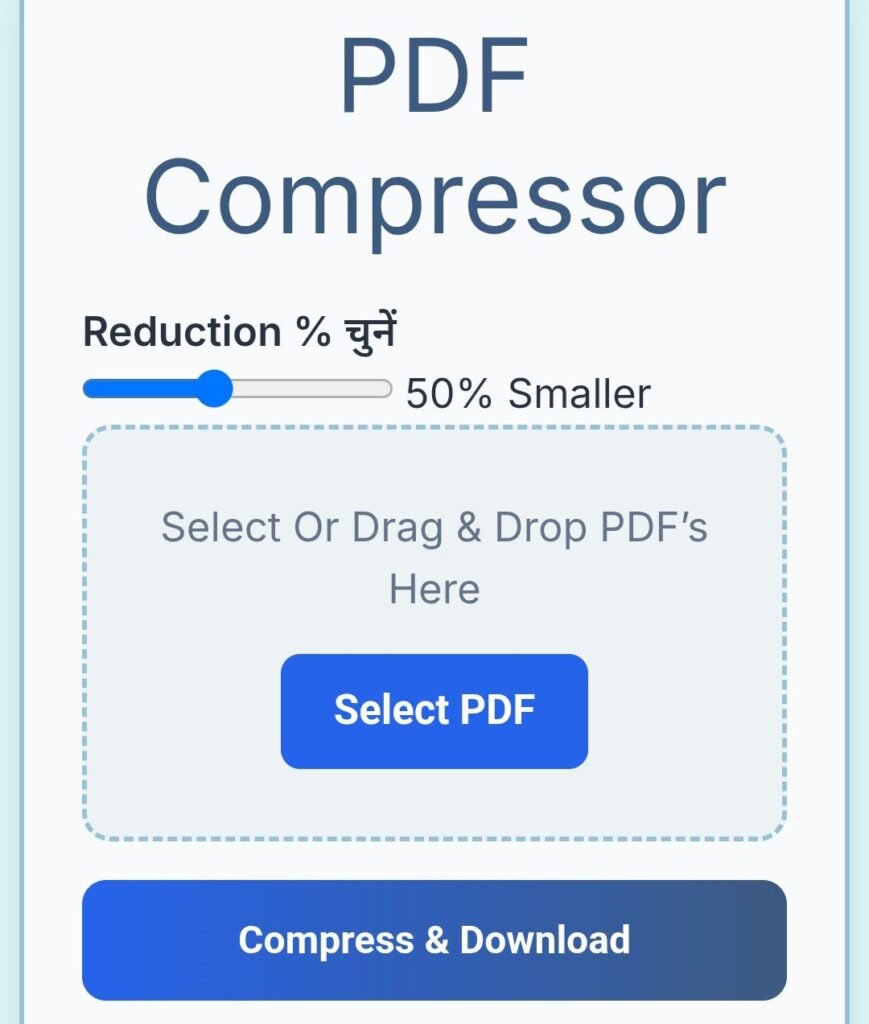
The Fixed 50KB Image Compressor is a free, web-based tool designed to compress any image to an exact file size of 50KB (kilobytes). Unlike traditional image compressors that only give approximate results, this tool ensures perfect accuracy — meaning your final image will always be exactly 50KB, not 48KB or 55KB.
Built using HTML, CSS, and JavaScript, it runs entirely inside your browser. This means your images never leave your device, making the process 100% secure and private. There’s no software installation, no logins, and no risk of data exposure.
If you’ve ever tried uploading an image to a government site, academic portal, or job application form, you’ve probably seen requirements like “File must be less than 50KB.” These restrictions exist to reduce server load and ensure quick online performance — but for users, it often creates unnecessary stress.
Modern cameras and smartphones produce high-resolution photos that easily exceed several megabytes. Manually resizing them to 50KB can be confusing and time-consuming. The Fixed 50KB Image Compressor eliminates all that frustration by automatically adjusting the quality and size of your image to reach exactly 50KB — fast, accurate, and effortless.
Using the tool is simple and takes less than a minute. Here’s how:
That’s it — your image is now perfectly optimized and ready for any online submission or upload.
Many image compression websites only allow you to choose a general “percentage” of quality reduction, making it difficult to achieve a specific file size. Some tools may even require paid upgrades or watermarks.
The Fixed 50KB Image Compressor stands out by providing precise compression without any guesswork. It doesn’t rely on cloud servers, so it’s faster, safer, and works offline once loaded. Plus, it’s completely free to use — no ads, no sign-ups, and no hidden costs.
This tool is ideal for:
No matter the purpose, this tool ensures your images meet every size requirement with clarity and precision.
The Fixed 50KB Image Compressor is a must-have web tool for anyone who frequently uploads images online. It’s simple, secure, and delivers professional-quality results without any technical effort. With its one-click compression and exact file size precision, you can say goodbye to upload errors and blurry images forever.
image resize 50kb,image resize 50kb,image resize 50kb,image resize 50kb,image resize 50kb,image resize 50kb,image resize 50kb