Photo Resize in KB
Compress an image to 20KB, 50KB, 100KB, 200KB, or any other size.
Download Image
Compress an image to 20KB, 50KB, 100KB, 200KB, or any other size.
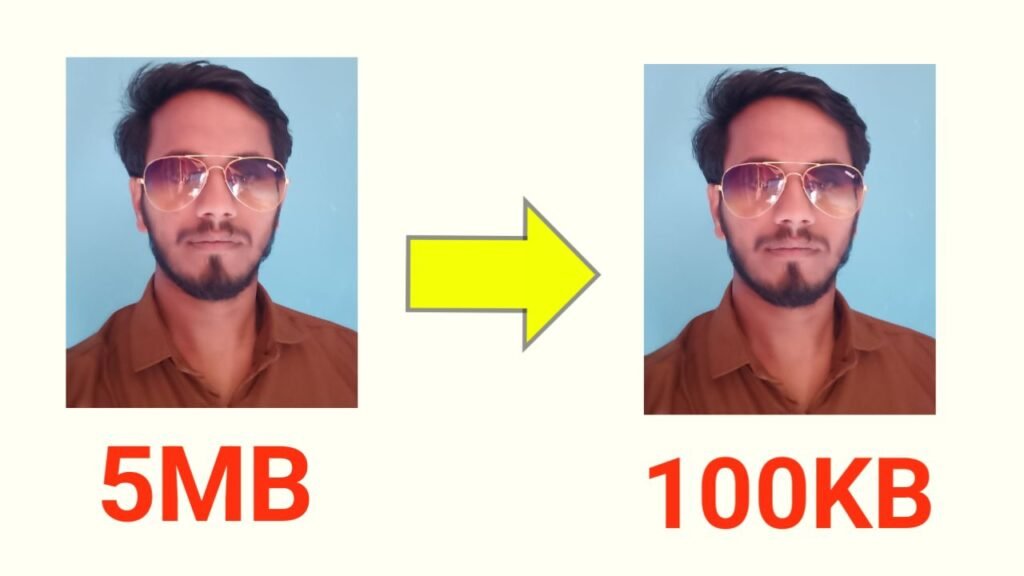
photo resizer ; In today’s fast digital world, images play a crucial role in websites, blogs, and social media posts. But when an image file is too large, it slows down website speed and takes longer to upload. Image Tool is the perfect solution for this issue — an advanced online image compressor that reduces photo size in seconds without sacrificing quality.
The tool is entirely web‑based and designed with a modern, clean interface. It allows users to compress any image automatically by defining a target size. Within a few clicks, you can turn heavy images into lightweight ones that load faster on websites and apps.
1. Reduce Image Size in KB
The main purpose of Image Tool is to compress pictures. You can upload any JPG, JPEG, or PNG file and then enter your desired file size (for example, 50 KB, 100 KB, or 200 KB). The tool automatically adjusts compression quality level internally to match the exact target while keeping details crisp and clear.
2. Simple and Fast Upload System
Click the Select Image button to quickly upload your picture from a phone or computer folder. Once uploaded, the live preview appears instantly so you can see your photo before compression.
3. Instant Download Feature
After your image is compressed, a Download Image button appears right away. With just one click, the new image is saved to your device — no registration or login required.
4. Smart Compression Algorithm
Image Tool uses a JavaScript‑based Canvas API in the browser. It gradually adjusts JPEG quality until the output matches your target KB. Because everything happens locally, the image retains its clarity while drastically reducing size.
5. Mobile & Desktop Compatible Design
The responsive layout ensures the tool looks and works perfectly on all screen sizes — mobile, tablet, laptop, or desktop. Its minimal blue‑and‑white design gives users a professional, app‑like feel with smooth menu animations.
6. No Server Upload – 100% Privacy
All image processing happens in your browser only. None of your photos are ever uploaded or stored on external servers. This makes Image Tool fully secure and privacy‑friendly for everyone.
The whole process usually takes less than five seconds, even for large files.
Image Tool is an intelligent, secure, and user‑friendly photo resizer built for modern web use. It’s a perfect match for bloggers, students, designers, and developers who need quick photo optimization without paying for expensive software.
photo resizer,photo resizer,photo resizer,photo resizer,photo resizer,photo resizer,photo resizer